


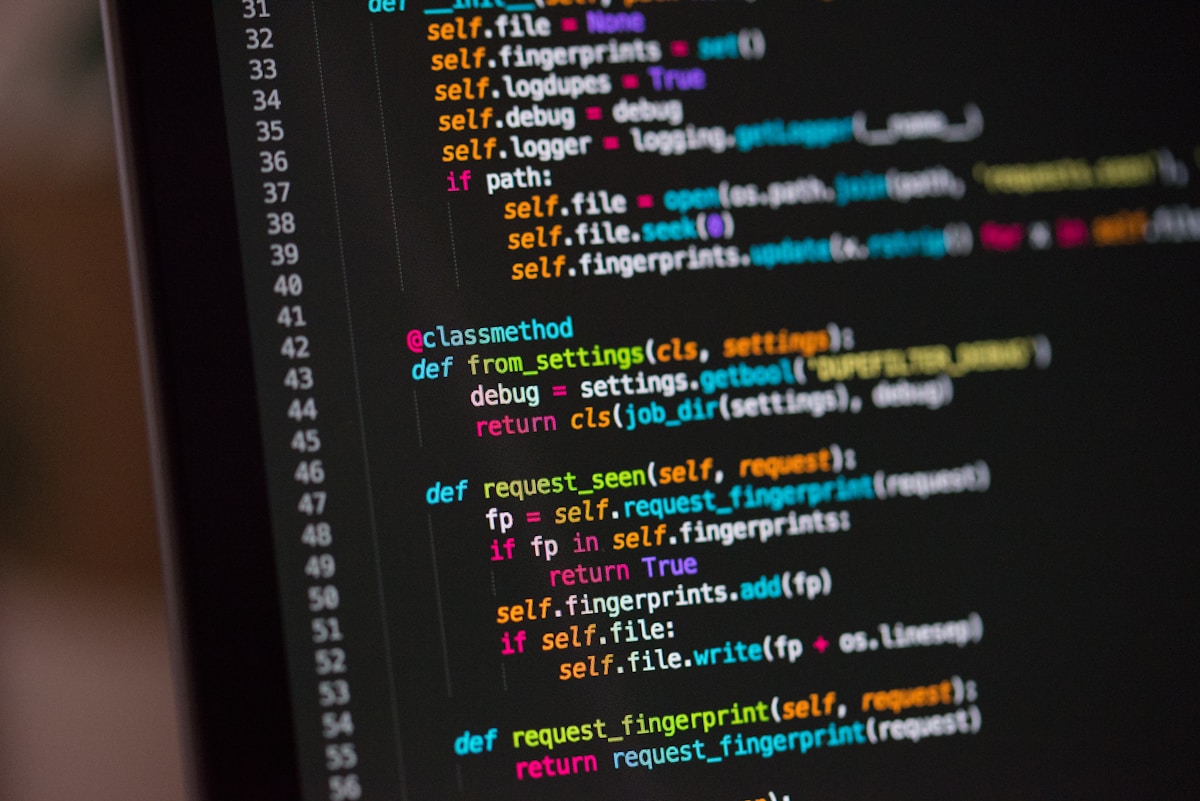
Understanding how Java bytecode powers platform-independent applications
Bytecode and .class Extension in Java – A Simple Guide
📅 Published: February 11, 2026 | ⏱️ 8 min read | 📂 Category: Tech Simplified
🤔 Why Bytecode and .class Files Matter in Java?
We must know what is Java. If you haven’t read it yet, start with this complete Java beginner guide and then continue with this article.
When learning Java, many beginners ask: “Why does Java create .class files?” “What exactly is bytecode?”
These two concepts are the core reason why Java is platform-independent. Once you understand them, Java will feel much less confusing.
📄 What is a .class File in Java?
When you write a Java program, you save it with a .java extension.
This file contains source code written by humans.
But computers cannot understand .java files directly.
So Java uses a compiler to convert this code.
HelloWorld.java → Java Compiler (javac) → HelloWorld.class
A .class file is the compiled version of your Java program. It contains bytecode, not normal Java code.
⚙️ What is Bytecode in Java?
Bytecode is an intermediate form of code generated by the Java compiler.
It is stored inside the .class file.
💡 Bytecode acts as a bridge between Java code and machine code.
Bytecode is platform-independent. It does not belong to Windows, Linux, or Mac. Instead, it runs on any system that has a Java Virtual Machine (JVM).
🔁 How Java Program Runs Internally
.java → Compiler → .class (Bytecode) → JVM → Output
- You write code in a
.javafile - Compiler converts it into bytecode
- JVM executes the bytecode on your system
This design allows the same Java program to run on different operating systems without any modification.
🌍 Why Java Uses Bytecode
Java follows one powerful principle:
✅ Write Once, Run Anywhere (WORA)
Bytecode makes this possible by separating Java code from the operating system. Different JVMs handle system-specific details.
🎯 Key Takeaways
- Java code is written in
.javafiles - Compiler converts it into bytecode
- Bytecode is stored in
.classfiles - JVM executes bytecode
- Bytecode makes Java platform-independent

About the Author
Prafull Ranjan
Content Creator & Observer of Everyday Life
I write practical stories and simple guides about life, technology, and social issues – that everyone can understand.
Did you find this post helpful?
Never miss a post!
Get fresh insights delivered to your inbox.
OR
No spam. Unsubscribe anytime.


0 Comments
We’d love to hear your thoughts. Feel free to comment below!